V.E.Y.R Creator
V.E.Y.RCREATOR GUIDE

From install to first sale.

Six short steps. Read them once, then jump to any one.

Step 1

Install it on your computer.

A mini PC, a home server or any always on Linux machine. Windows works too.

  • Run the one line installer from your welcome email.
  • Open the address it prints. That is your private console.
  • Turn on HTTPS during setup. The screen walks you through it.
Step 2

Add your license once.

Your key arrives by email the moment payment clears.

  • Paste it when the setup screen asks, or later in Settings, Licensing.
  • It unlocks every Creator tool and the phone app.
  • The first year of updates is included. You see what changed and can say no.
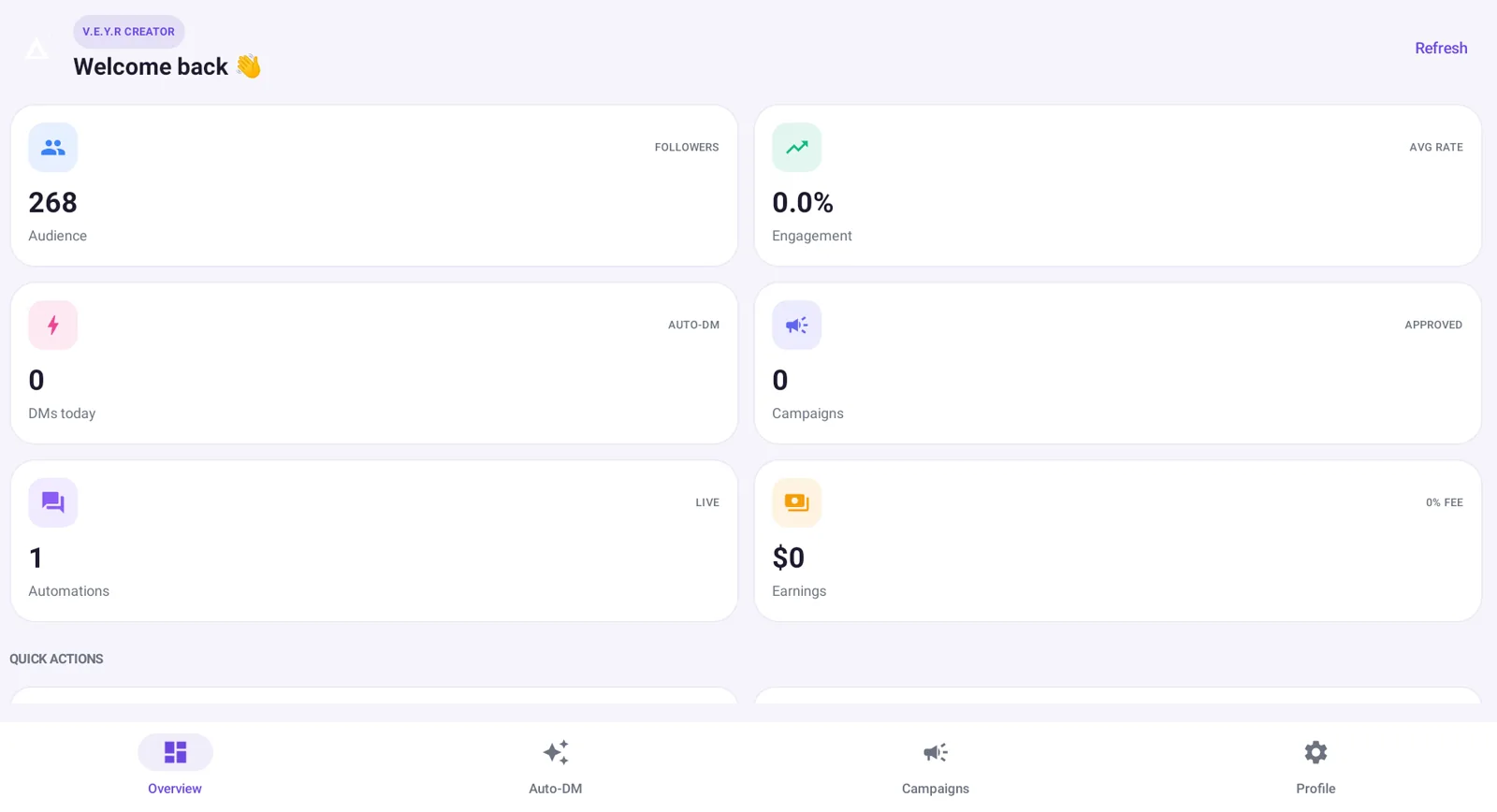
The Creator overview with your numbers
Step 3

Connect Instagram the official way.

You need a free Professional (Business or Creator) Instagram account.

  • Press Connect Instagram, approve, and you are back, connected.
  • Your access stays on your own computer.
  • Disconnect any time. Your data goes with it.
  • Our Instagram review is in progress. Until it clears, we connect you through early access.
Your Instagram posts, ready for Auto DM
Step 4

Auto DM: comments into conversations.

Someone comments, V.E.Y.R replies in public and sends a private DM.

  • Pick the post, or let it work on any post.
  • Choose a keyword like GUIDE, or any comment.
  • Write the message. Add a follow first rule or a link button if you like.
  • Test it in the preview, then switch it on.
Step 5

Create and sell, no middleman.

Everything else lives on the same console, and in the Android app.

  • AI Studio writes captions, hooks and scripts in your tone.
  • Your Store records sales and runs a storefront in your colours.
  • Brand deals: find campaigns and apply in a swipe, at 0% commission.
AI Studio drafting captions, hooks and scripts
Step 6

Read your numbers, know your next move.

Insights turns your activity into one health score and a short to do list.
  • It weighs engagement, reach, posting rhythm, growth and saves.
  • Any number that is only a sample is labelled as one.
  • The same numbers are in the phone app.
The V.E.Y.R Creator phone app
If you get stuck

Help is one step away.

Ready to start?

$99 once. 0% commission. Yours to keep.